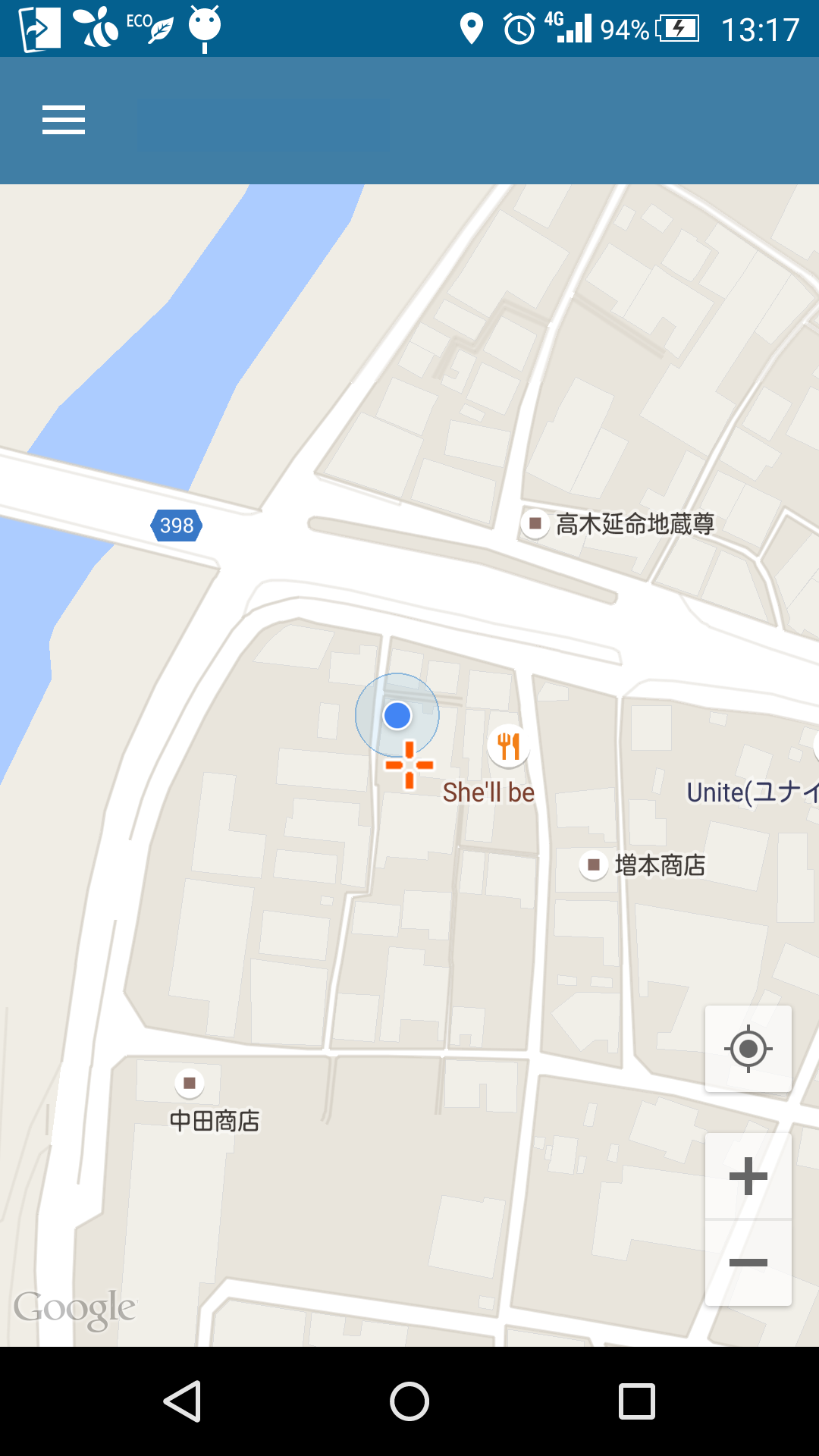
通常、画面の右上にあるGoogleMapの「現在地表示」ボタン。左下とかに変更できないかしら・・・って思ったら合ったのでメモ。さすがStackOverflow!
How to change the position of maps api’s “Get my location” button
ポイントはcom.google.android.gms.maps.MapViewから取得。
後はStackOverflowにあるとおりですがよくこんなの見つけたという感じですね。
*サンプルはFragmentからの例です。
<?xml version="1.0" encoding="utf-8"?>
<!--
Top画面/地図
-->
<LinearLayout xmlns:android="http://schemas.android.com/apk/res/android"
    android:layout_width="match_parent" android:layout_height="match_parent"
    android:orientation="vertical">

        <com.google.android.gms.maps.MapView
            android:layout_width="match_parent"
            android:layout_height="match_parent"
            android:id="@+id/main_map" />


</LinearLayout>
public class MapFragment extends Fragment implements OnMapReadyCallback{
@Override
public View onCreateView(LayoutInflater inflater, ViewGroup container, Bundle savedInstanceState) {
View v = inflater.inflate(R.layout.fg_map, container, false);
mMapView = (MapView) v.findViewById(R.id.main_map);
mMapView.onCreate(savedInstanceState);
mMapView.getMapAsync(this);
return v;
}
@Override
public void onMapReady(GoogleMap map) {
if (mMap == null) {
mMap = map;
//現在地表示ボタン取得
View locationButton = ((View) mMapView.findViewById(Integer.parseInt("1")).getParent()).findViewById(Integer.parseInt("2"));
RelativeLayout.LayoutParams rlp = (RelativeLayout.LayoutParams) locationButton.getLayoutParams();
rlp.addRule(RelativeLayout.ALIGN_PARENT_TOP, 0);
rlp.addRule(RelativeLayout.ALIGN_PARENT_BOTTOM, RelativeLayout.TRUE);
rlp.setMargins(0, 0, 30, 330);//右下のZoomボタンの上
setUpMap(); //個々のmapの設定
}
}
@Override
public void onActivityCreated(Bundle bundle) {
super.onActivityCreated(bundle);
//省略
}
}こんな感じデス